
Best seller 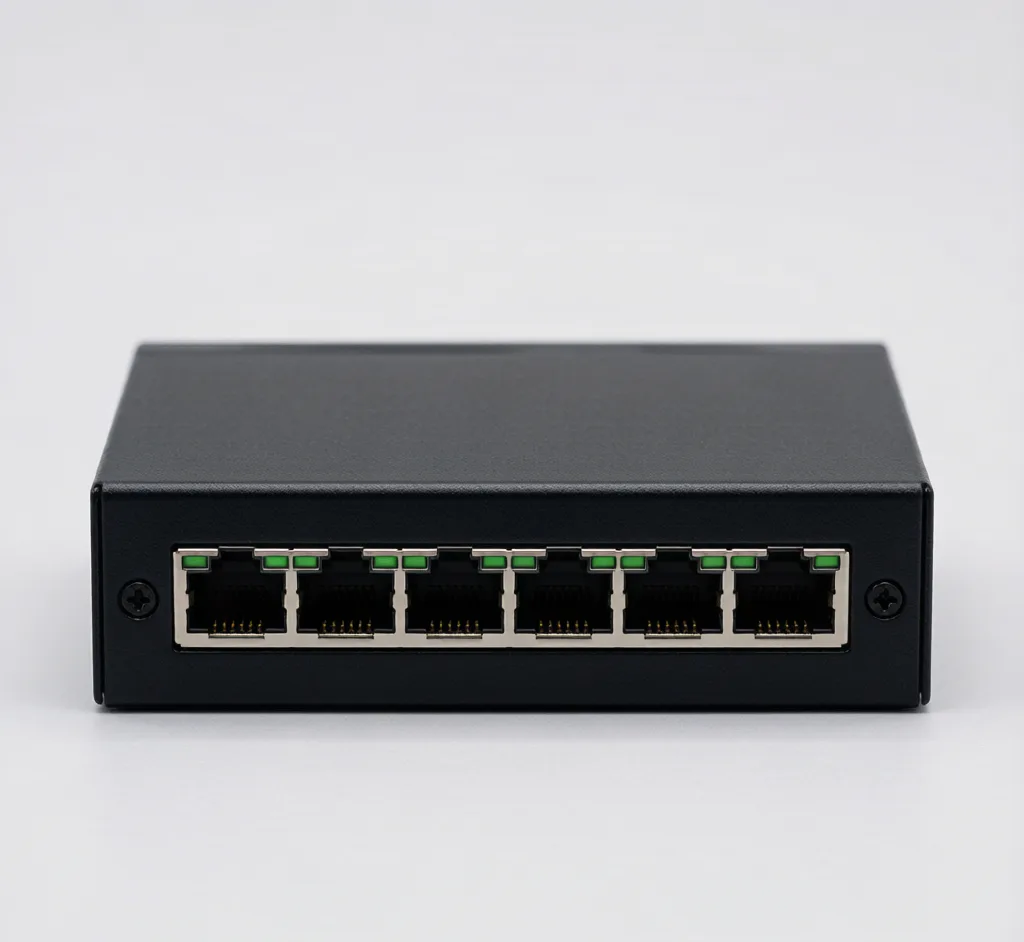
4-Port PoE Switch (802.3af)
Model: SF-POE-4P-AF
Compact 4-port 10/100 PoE switch, 48V, powers up to 4 IP cameras.
PoE Networking poe
Request a quote In stock
View details PoE Networking
Model: SF-POE-INJ
Single-port 802.3at injector to power one camera from a non-PoE port.
💬 WeChat: 13924664587 — add us for fast quotes & product photos.
802.3af/at PoE, RJ45, BNC, DC 12V/24V — works with Hikvision, Dahua, Axis & more.
Covered against manufacturing defects. RMA & replacement via support.
Local / NVR storage by design. No cloud subscription required.
Integrates with standard VMS/NVR ecosystems — no vendor lock-in.
Dispatched globally with regional carriers.
Direct line for quotes, specs and install photos.
| Ports | 1 × data in, 1 × PoE out |
| Standard | IEEE 802.3at (30W) |
| Speed | Gigabit |
| Protection | OVP / OCP |
| Model | SF-POE-INJ |
| Brand | SurveilForge (independent) |
A single-port gigabit PoE injector that adds 802.3at power to any non-PoE switch or router port, letting you power one camera without rewiring. Plug-and-play, 30W, with short-circuit and surge protection. The cheapest way toPoE-enable a single camera.
Yes. SurveilForge accessories use open surveillance standards — IEEE 802.3af/at PoE, RJ45, BNC, and DC 12V/24V — so they work with any camera brand that follows those standards, including Hikvision, Dahua, Axis, Reolink and others. We are an independent brand, not affiliated with any camera OEM.
Yes. We ship worldwide; lead time and carrier depend on the destination and order size.
Standard products are available as single units in the shop. OEM or custom-branded orders start at a minimum of 300 pieces.
All products carry a 12-month warranty against manufacturing defects. Contact our support team for RMA and replacement.
Be the first to review this product
Verified buyers help other installers choose the right gear. Share your setup and we'll feature it here.
⏱ Takes about a minute · published within 1–2 business days.
Model: SF-POE-4P-AF
Compact 4-port 10/100 PoE switch, 48V, powers up to 4 IP cameras.
Model: SF-POE-8P-AT
8-port 10/100 PoE switch, 48V, up to 30W per port for PTZ and high-power cameras.
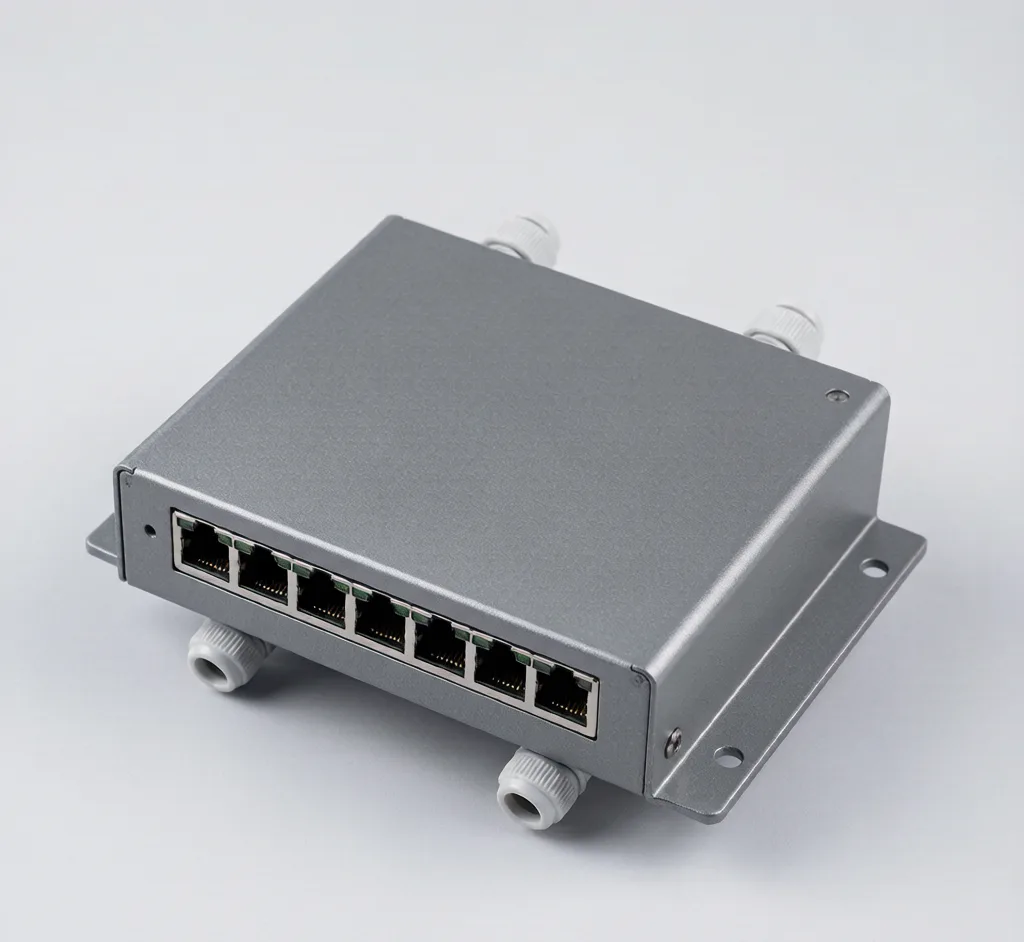
Model: SF-POE-8P-OUT
IP66 outdoor PoE switch with surge protection for perimeter and parking camera runs.
Model: SF-POE-16P
16-port 10/100 PoE switch for mid-size multi-camera deployments.
Planning, sizing and install tips that use this product:
Run a camera where there is no socket: PoE switches, single-port injectors and 12V distribution boxes explained with product links.
PoE switch vs injector: a switch powers many cameras from one edge; an injector adds PoE to a single port. Here is how to choose.
Hikvision-compatible accessories that just work: standards-based PoE switches, cables and mounts at a fraction of OEM cost. See the full brand guide.

A practical PoE switch buying guide for CCTV: count ports, pick 802.3at for PTZ/4K, choose gigabit for 4K, and match the budget to the install size.
Hikvision, Dahua and Axis cameras all speak open PoE, RJ45, BNC and DC standards — so switches, cables, mounts and power are interchangeable. Only brand-locked software and protocols are not.
WiFi needs no cable but shares your wireless network; PoE gets power and data on one Cat6 and never drops off. For most installs, PoE wins on reliability.
A dark PoE camera is almost always a power problem: wrong port, bad termination, >100m run, or too few watts. Seven checks get it back online.
Conversations may be saved to improve our support. No personal data required.