
Guides
PoE Switch Buying Guide: Ports, 802.3at vs 802.3af, Gigabit & Budget
A practical PoE switch buying guide for CCTV: count ports, pick 802.3at for PTZ/4K, choose gigabit for 4K, and match the budget to the install size.
Published 2026-08-06

A PoE switch is the heart of an IP camera system — it carries data and power over one cable to every camera. Picking the wrong one means dropped frames, under-powered PTZs, or no room to expand. Here is how to choose.
1. Count the ports (cameras + uplink + headroom)
Plan one powered PoE port per camera, plus a separate uplink to the NVR or router. For 8 cameras, an 8-port 802.3at switch gives eight powered ports and a dedicated gigabit uplink. Always leave 2–4 free ports for growth.
2. 802.3af or 802.3at (PoE+)?
Standard domes and bullets draw 802.3af (15.4W). PTZ cameras, heaters and high-power 4K models need 802.3at (30W). Because at-ports are backward compatible with af devices, a single 802.3at switch covers a mixed install. When in doubt, buy at.
3. Gigabit vs Fast Ethernet
Most cameras are 2MP–4MP and only need 10/100 (Fast Ethernet). But 4K cameras and NVR uplinks benefit from gigabit ports. A 4-port gigabit PoE switch keeps 4K streams from saturating the link.
4. Managed vs unmanaged
For homes and small shops, an unmanaged plug-and-play switch is enough. For campuses, VLANs or PoE scheduling, choose a managed switch.
5. Indoor vs outdoor
Perimeter and parking runs need an IP66 outdoor PoE switch with surge protection. Indoor IDF closets are fine with a standard metal case.
Budget quick picks
- 1–4 cameras: 4-Port PoE (802.3af) — cheapest entry.
- 4× 4K cameras: 4-Port Gigabit PoE.
- 8 cameras: 8-Port PoE (802.3at) — the sweet spot.
- 16–24 cameras: 16-Port or 24-Port gigabit.
Frequently asked
How many PoE ports do I need for N cameras?
You need N powered PoE ports for the cameras, plus one separate uplink port for the NVR or router. For 8 cameras, choose an 8-port PoE switch that also has a dedicated uplink (so 8 powered ports, not 8 total).
Is 802.3at worth the extra cost over 802.3af?
If any camera is PTZ, has a heater, or is high-power 4K, yes — 802.3at delivers 30W vs 15.4W. 802.3at ports also power 802.3af devices, so one at-switch covers a mixed install.
Do I need gigabit PoE ports for 4K cameras?
A single 4K camera fits on a 10/100 port, but multiple 4K streams and the NVR uplink share bandwidth. Gigabit ports prevent congestion when several 4K cameras record at once.
Are SurveilForge accessories compatible with Hikvision, Dahua and Axis cameras?
Yes — they follow open surveillance standards (IEEE 802.3af/at PoE, RJ45, BNC, DC 12V/24V) and work with any brand using those standards, including Hikvision, Dahua and Axis. SurveilForge is an independent brand, not affiliated with any camera OEM.
Can I buy a single unit, or only wholesale?
Standard products are sold as single units in our shop. Custom or OEM branding and volume pricing start at a minimum order of 300 pieces.
How long does shipping take?
We ship worldwide; lead time varies by destination and order size. Contact us for a quote on your region.
Products mentioned in this guide
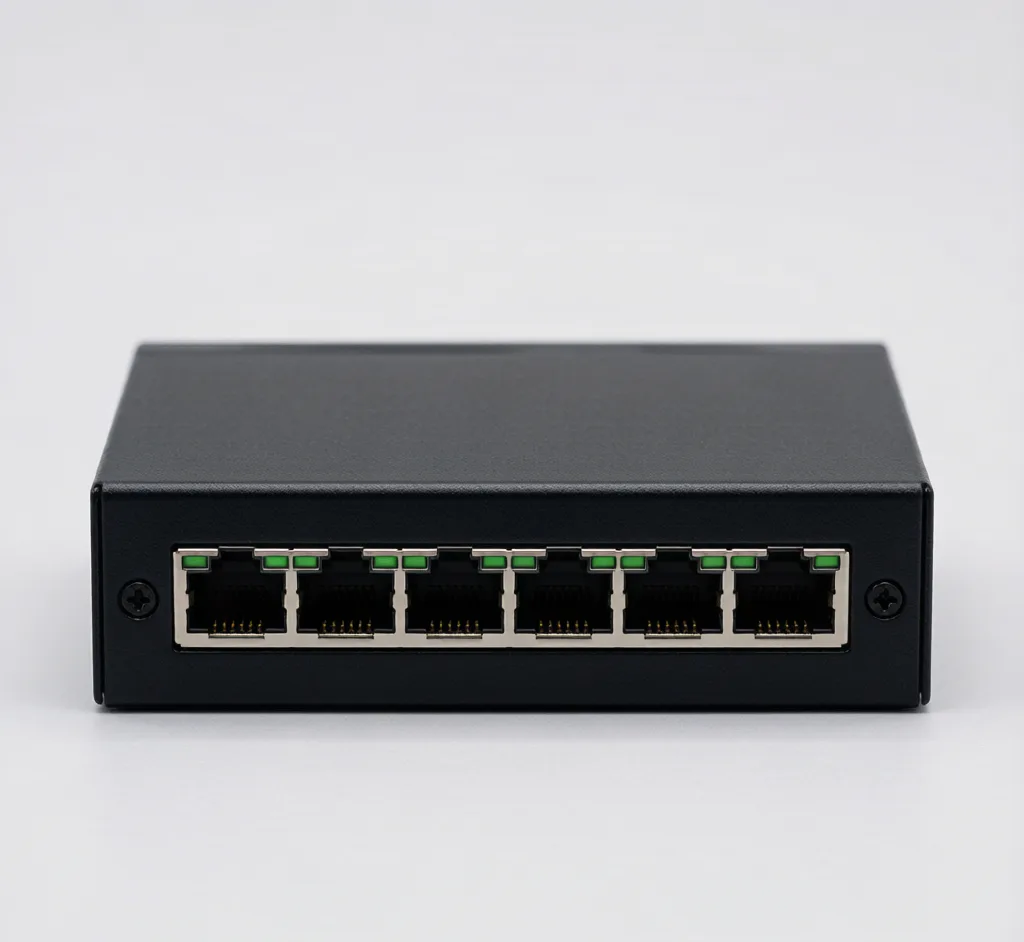
8-Port PoE Switch (802.3at)
Model: SF-POE-8P-AT
8-port 10/100 PoE switch, 48V, up to 30W per port for PTZ and high-power cameras.
4-Port PoE Switch (802.3af)
Model: SF-POE-4P-AF
Compact 4-port 10/100 PoE switch, 48V, powers up to 4 IP cameras.
4-Port Gigabit PoE Switch
Model: SF-POE-4P-GBE
Gigabit 4-port PoE switch for 4K cameras that need full bandwidth.
16-Port PoE Switch
Model: SF-POE-16P
16-port 10/100 PoE switch for mid-size multi-camera deployments.
Gigabit PoE Injector (30W)
Model: SF-POE-INJ
Single-port 802.3at injector to power one camera from a non-PoE port.