
Best seller 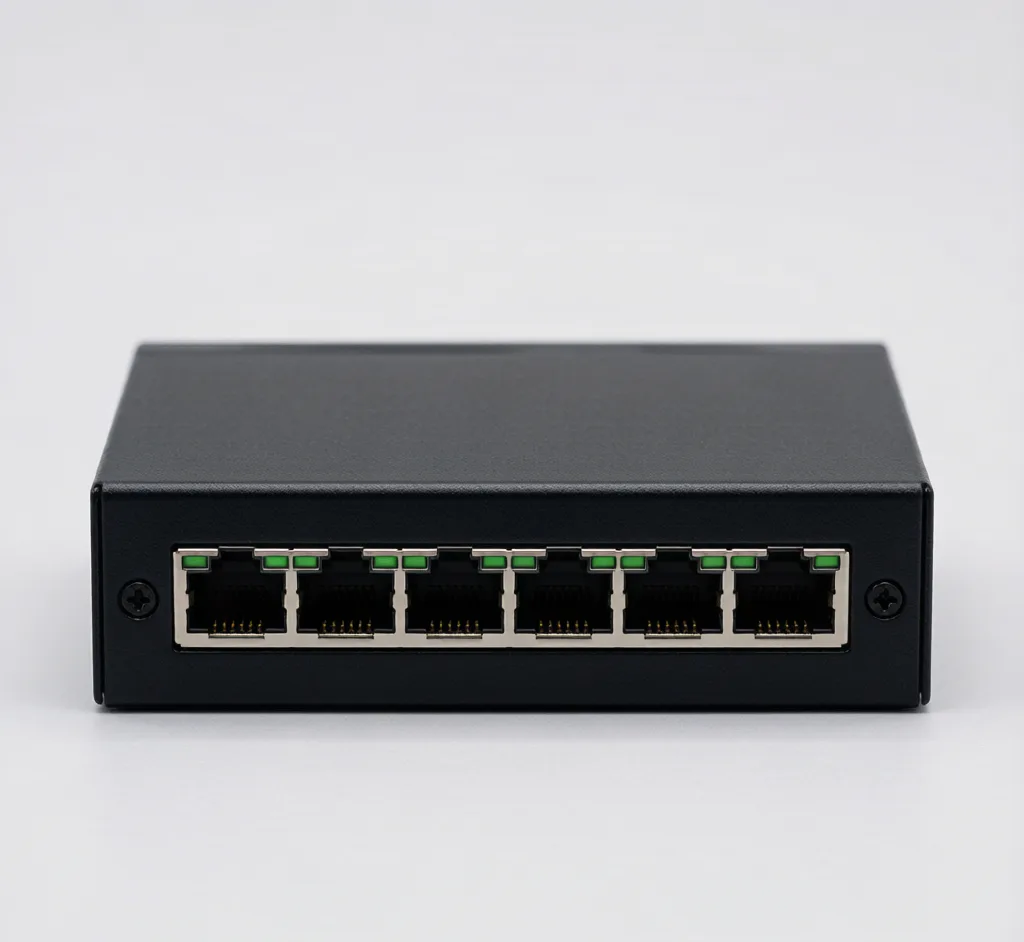
4-Port PoE Switch (802.3af)
Model: SF-POE-4P-AF
Compact 4-port 10/100 PoE switch, 48V, powers up to 4 IP cameras.
PoE Networking poe
Request a quote In stock
View details 🔌 PoE Networking
4/8/16/24-port 802.3af/at PoE switches, injectors and 5.8GHz wireless bridges — one cable for power and data.
Power over Ethernet is the backbone of any modern IP camera system: one Cat5e/Cat6 cable carries both data and 48V power from the switch to the camera. Our PoE switches, injectors and wireless bridges follow open IEEE 802.3af/at standards, so they power Hikvision, Dahua, Axis and any standards-based IP camera without vendor lock-in. Choose a port count that matches your camera total plus one uplink to the NVR.
Model: SF-POE-4P-AF
Compact 4-port 10/100 PoE switch, 48V, powers up to 4 IP cameras.
Model: SF-POE-8P-AT
8-port 10/100 PoE switch, 48V, up to 30W per port for PTZ and high-power cameras.
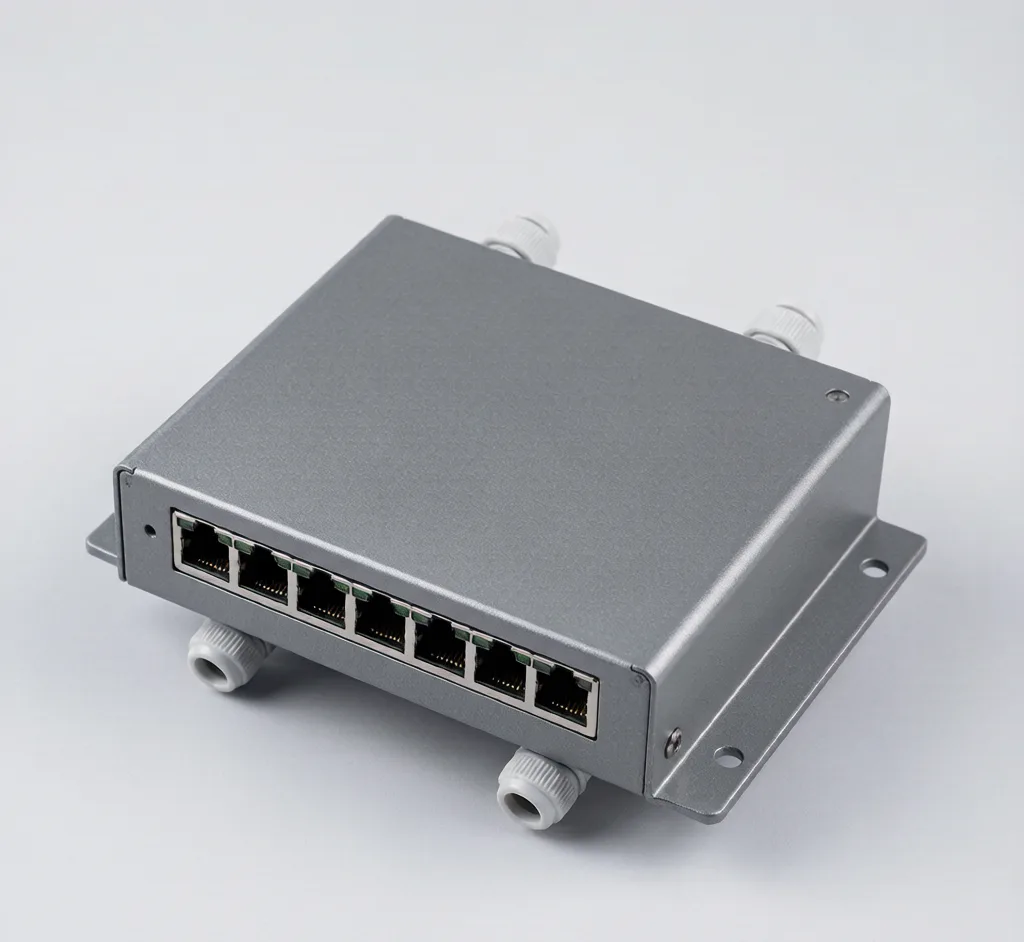
Model: SF-POE-8P-OUT
IP66 outdoor PoE switch with surge protection for perimeter and parking camera runs.
Model: SF-POE-16P
16-port 10/100 PoE switch for mid-size multi-camera deployments.
Model: SF-POE-24P
24-port gigabit PoE switch for campus and enterprise surveillance backbones.
Model: SF-POE-4P-GBE
Gigabit 4-port PoE switch for 4K cameras that need full bandwidth.
Model: SF-POE-INJ
Single-port 802.3at injector to power one camera from a non-PoE port.
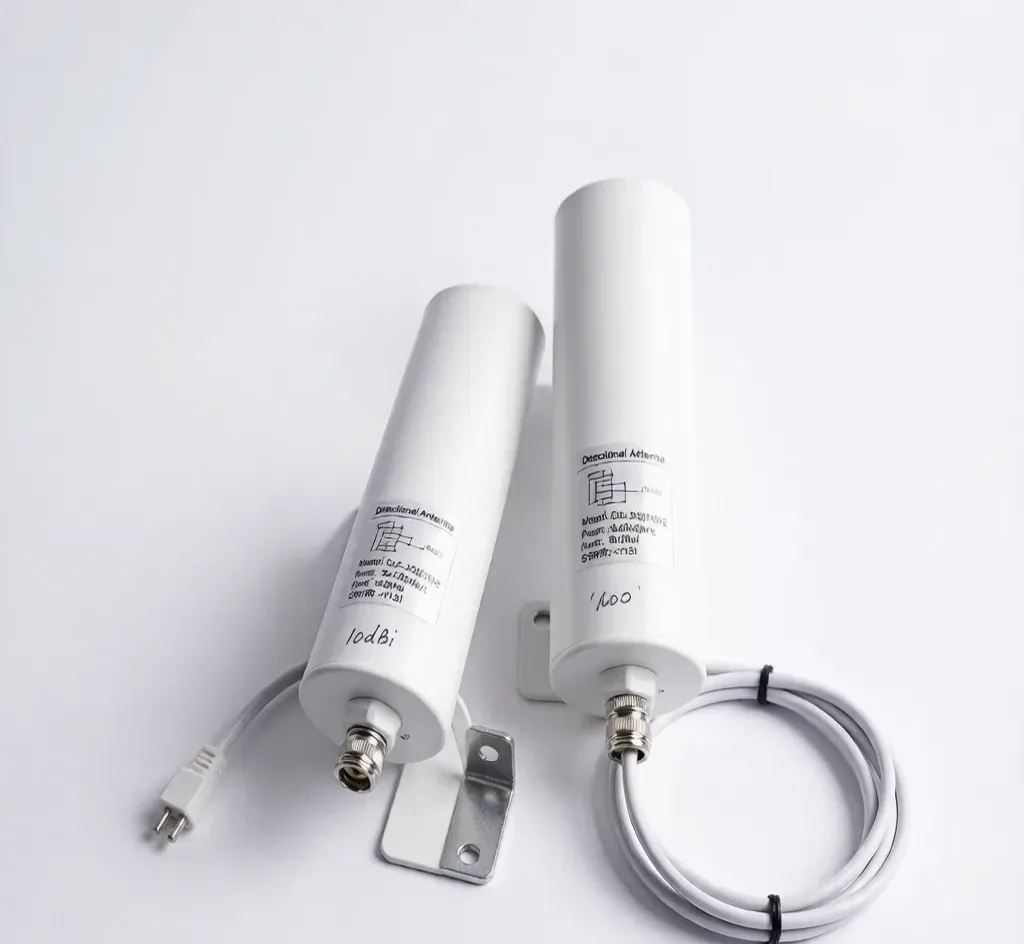
Model: SF-WIFI-BRIDGE
Point-to-point wireless bridge to link cameras across distances without cable.
Model: SF-FIBER-CONV
Converts RJ45 to single-mode fiber to run camera links up to 20km without repeaters.
Model: SF-POE-SPLIT
Taps standard 802.3af/at PoE and outputs 12V DC for non-PoE cameras.
Model: SF-POE-EXT
Relays PoE mid-span to double camera distance to 200m on one cable.
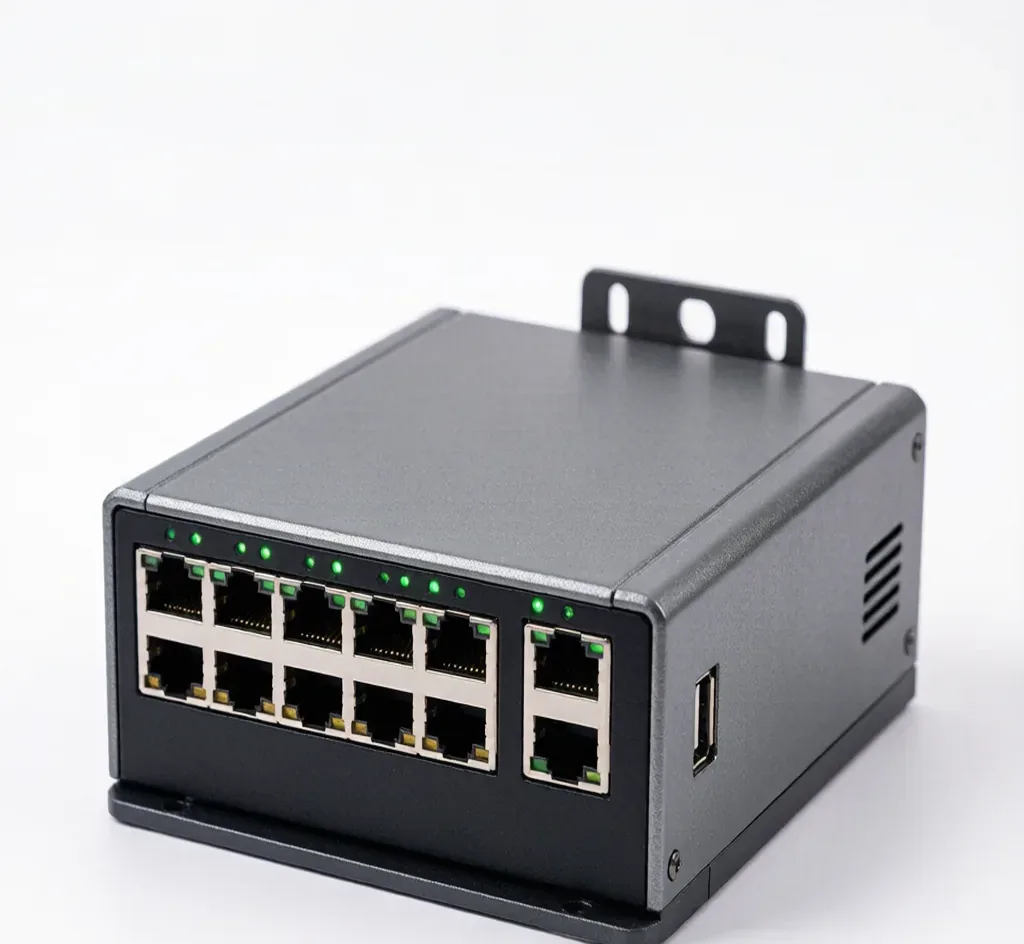
Model: SF-POE-8P-IND
Rugged 8-port managed PoE switch, -40~75°C, DIN-rail, for outdoor and factory camera networks.
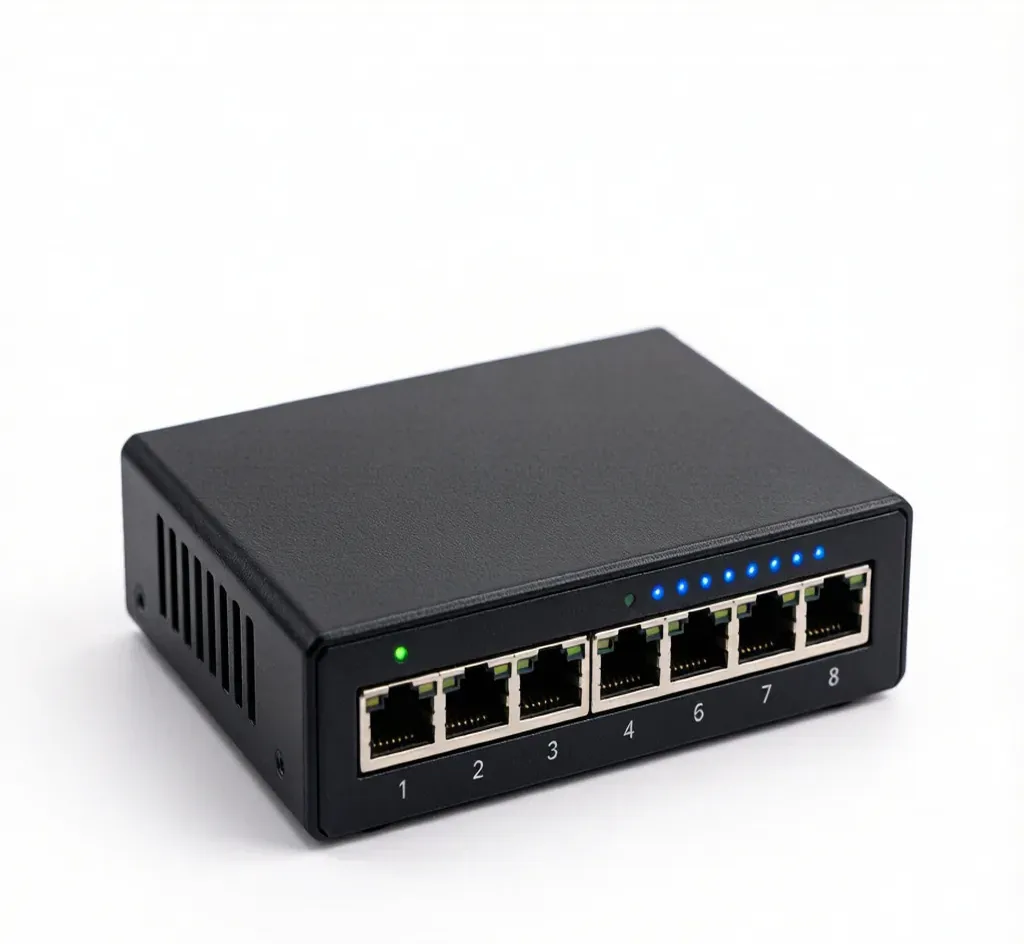
Model: SF-ETH-8G
Quiet 8-port gigabit switch for NVR backbones and uplinks where cameras draw their own power.
One PoE port per camera, plus a separate uplink port to your NVR or router. For eight cameras pick an 8-port PoE switch with an independent gigabit uplink; for larger sites use 16- or 24-port models.
802.3af delivers 15.4W (standard domes/bullets); 802.3at delivers 30W for PTZ, heaters and 4K cameras. An 802.3at switch is backward compatible with 802.3af devices, so it covers mixed installs.
Yes. As long as the camera uses standard 802.3af/at PoE over RJ45, it is powered and connected. SurveilForge is an independent brand and not affiliated with any camera OEM.
Practical guides that use these poe networking:
Conversations may be saved to improve our support. No personal data required.