
Scenarios
Warehouse PoE Camera System: Switch, NVR & Cable Planning
A warehouse camera plan: count cameras by zone, size the PoE switch and NVR, keep Cat6 under 100 m, and use industrial switches on docks.
Published 2026-08-27
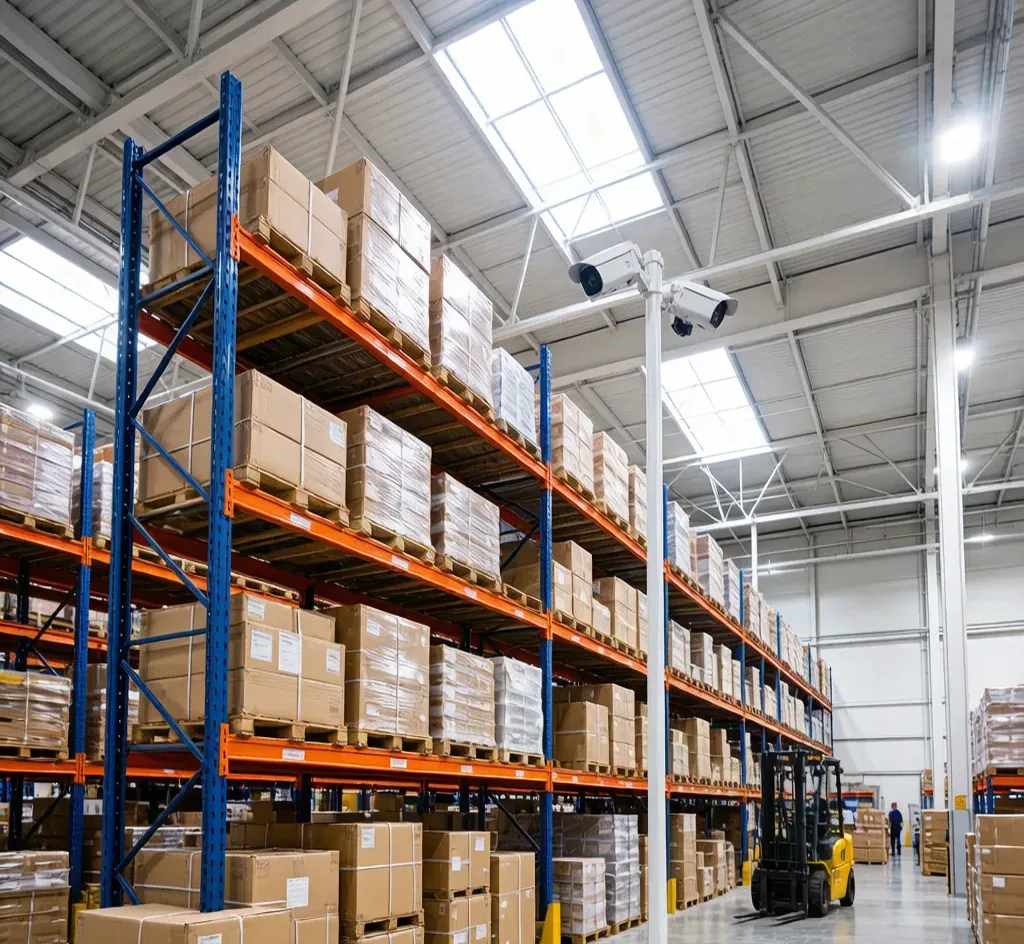
A warehouse is a high-value, high-traffic space — docks, aisles, receiving and the yard all need eyes. PoE is the right backbone: one cable carries power and video, and the whole system stays on your local network with no cloud dependency.
Count by zone, not by square foot
Plan cameras per functional zone: receiving dock, main aisle, high-value racking, and the outside yard. A small warehouse fits 8 cameras; a distribution centre often needs 16 or more. Start with the 8-Channel PoE Kit and grow.
Size the switch and NVR together
Each camera needs one PoE port plus an uplink. The 16-Port PoE Switch covers a mid floor; the 24-Port PoE Switch covers a large one. Match channel count on the 16-Channel PoE NVR so every camera records.
Keep Cat6 under 100 m, bridge beyond
A single Cat6 run reaches 100 m. For a far yard or separate building, use a wireless bridge or a midspan switch rather than one long cable. Buy Cat6 by the 305 m box for the install.
Cameras for the job
Use the 8MP 4K turret for aisle detail and the 4MP bullet for weatherproof outdoor coverage. On cold docks and outdoor enclosures, the industrial 8-port PoE switch handles the temperature swing.
Frequently asked
How many cameras do I need for a warehouse?
Plan per zone — dock, aisle, high-value racking and yard. A small warehouse fits about 8; a distribution centre often needs 16 or more. Match the NVR channel count to the total.
What PoE switch should I use in a warehouse?
A 16-port 802.3at switch for a mid floor and a 24-port for a large one, plus an uplink to the NVR. Use an industrial switch for cold docks and outdoor enclosures.
Is PoE or WiFi better for a warehouse?
PoE. It gives a stable link and powers the camera on one cable, with no WiFi congestion from scanners and forklifts. WiFi drops exactly when the aisle is busiest.
How long can a Cat6 camera cable run?
100 m for a single run. Beyond that, add a midspan switch or a wireless bridge instead of one long cable.
Are SurveilForge accessories compatible with Hikvision, Dahua and Axis cameras?
Yes — they follow open surveillance standards (IEEE 802.3af/at PoE, RJ45, BNC, DC 12V/24V) and work with any brand using those standards, including Hikvision, Dahua and Axis. SurveilForge is an independent brand, not affiliated with any camera OEM.
Can I buy a single unit, or only wholesale?
Standard products are sold as single units in our shop. Custom or OEM branding and volume pricing start at a minimum order of 300 pieces.
How long does shipping take?
We ship worldwide; lead time varies by destination and order size. Contact us for a quote on your region.
Products mentioned in this guide
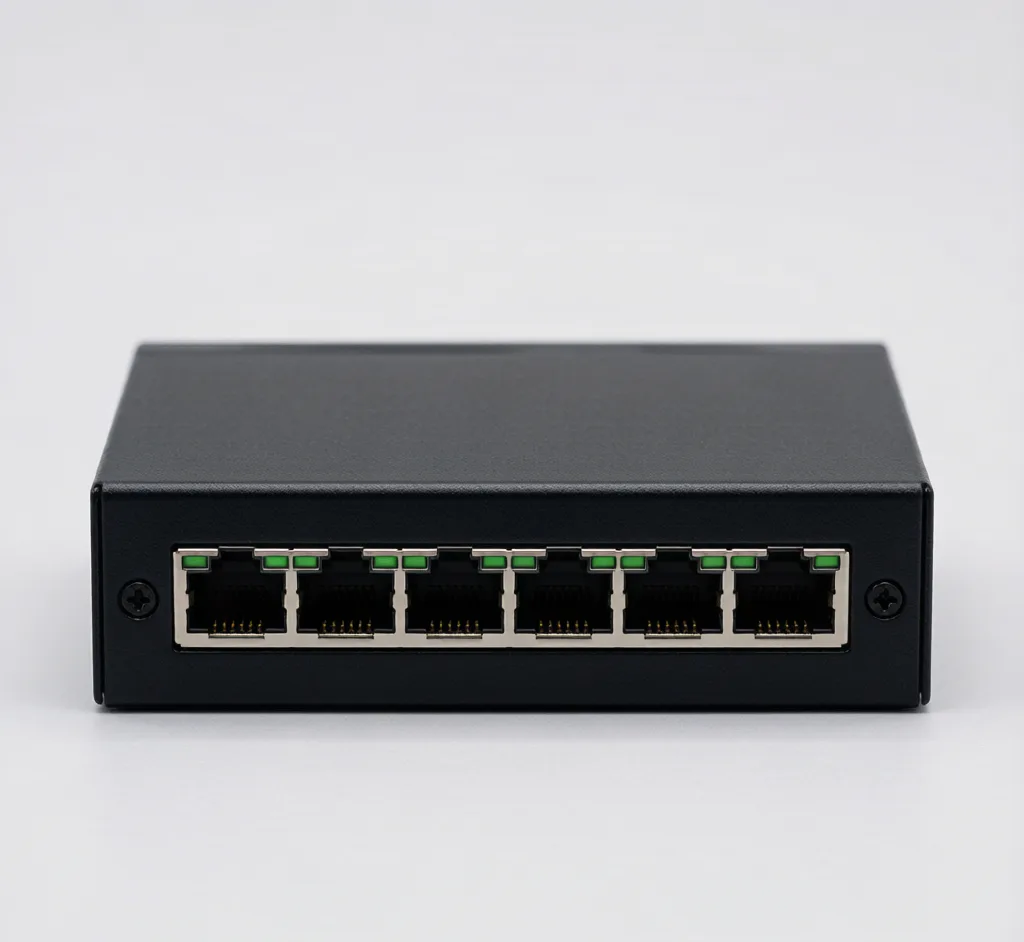
16-Port PoE Switch
Model: SF-POE-16P
16-port 10/100 PoE switch for mid-size multi-camera deployments.
24-Port PoE Switch
Model: SF-POE-24P
24-port gigabit PoE switch for campus and enterprise surveillance backbones.
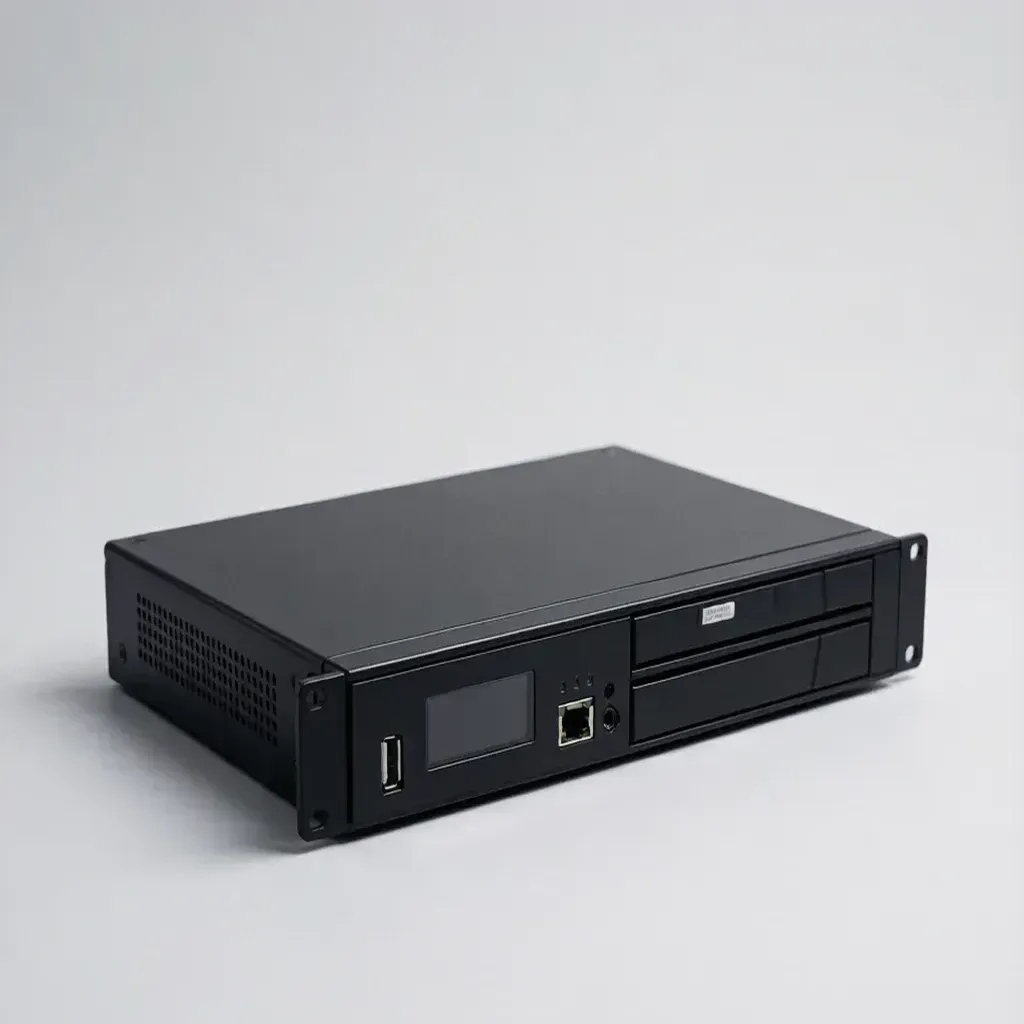
16-Channel PoE NVR
Model: SF-NVR-16P
16×PoE ports, 4K, 4×SATA — mid-size recorder for stores and warehouses.
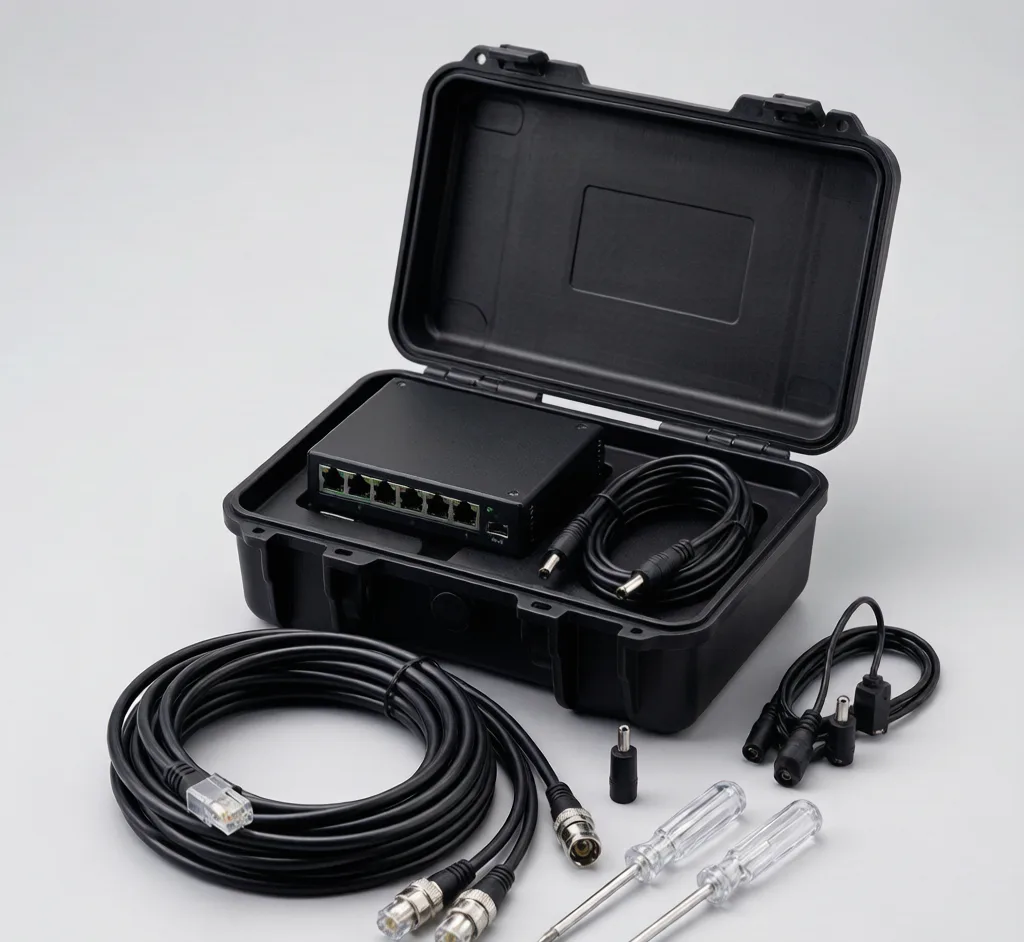
8-Channel PoE Pro Kit
Model: SF-KIT-8CH
8-port PoE switch + 150m Cat6 + full connector & mount set.
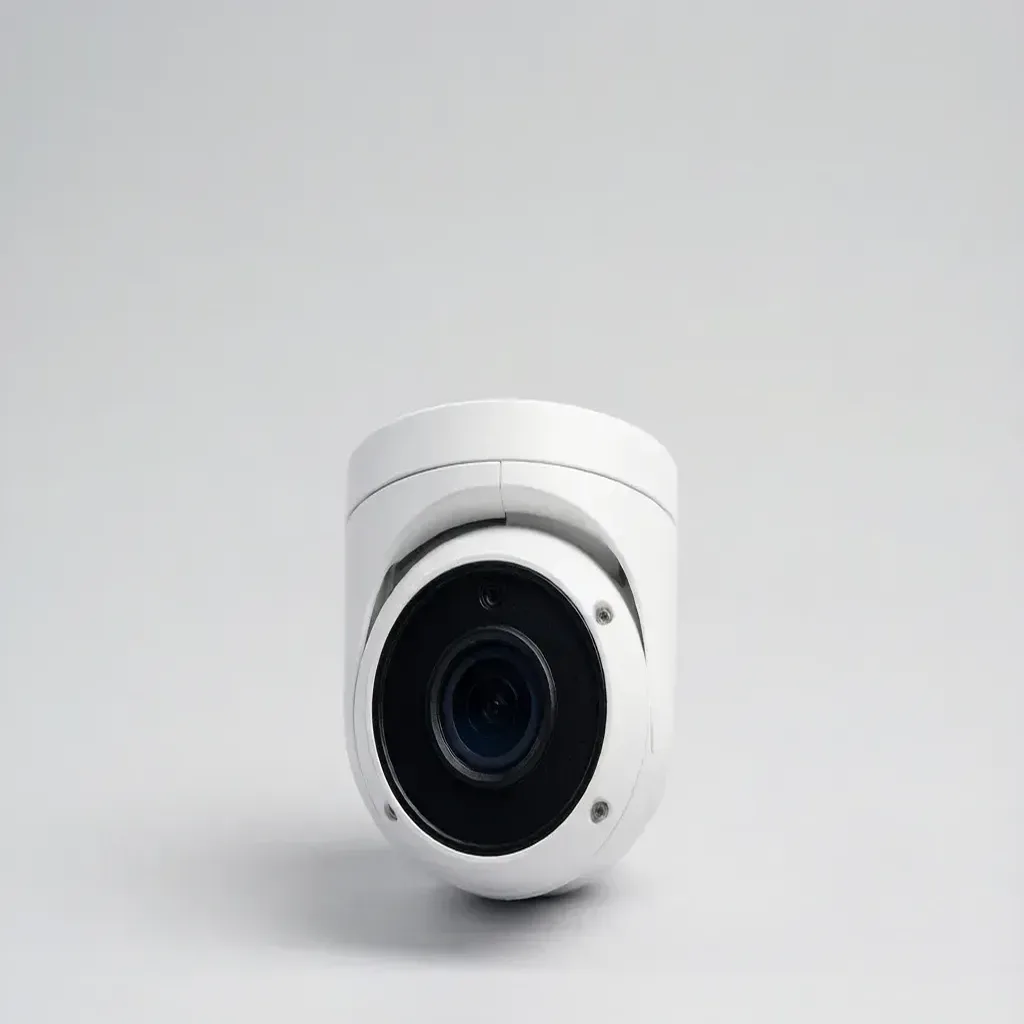
8MP 4K Turret IP Camera
Model: SF-IPC-T8
8MP 4K turret, 2.8mm, IR 30m — four times the detail of 1080p for faces and plates.
4MP Fixed Bullet IP Camera
Model: SF-IPC-B4
4MP bullet, 2.8mm fixed lens, IR 30m, IP67, PoE/12V, ONVIF.
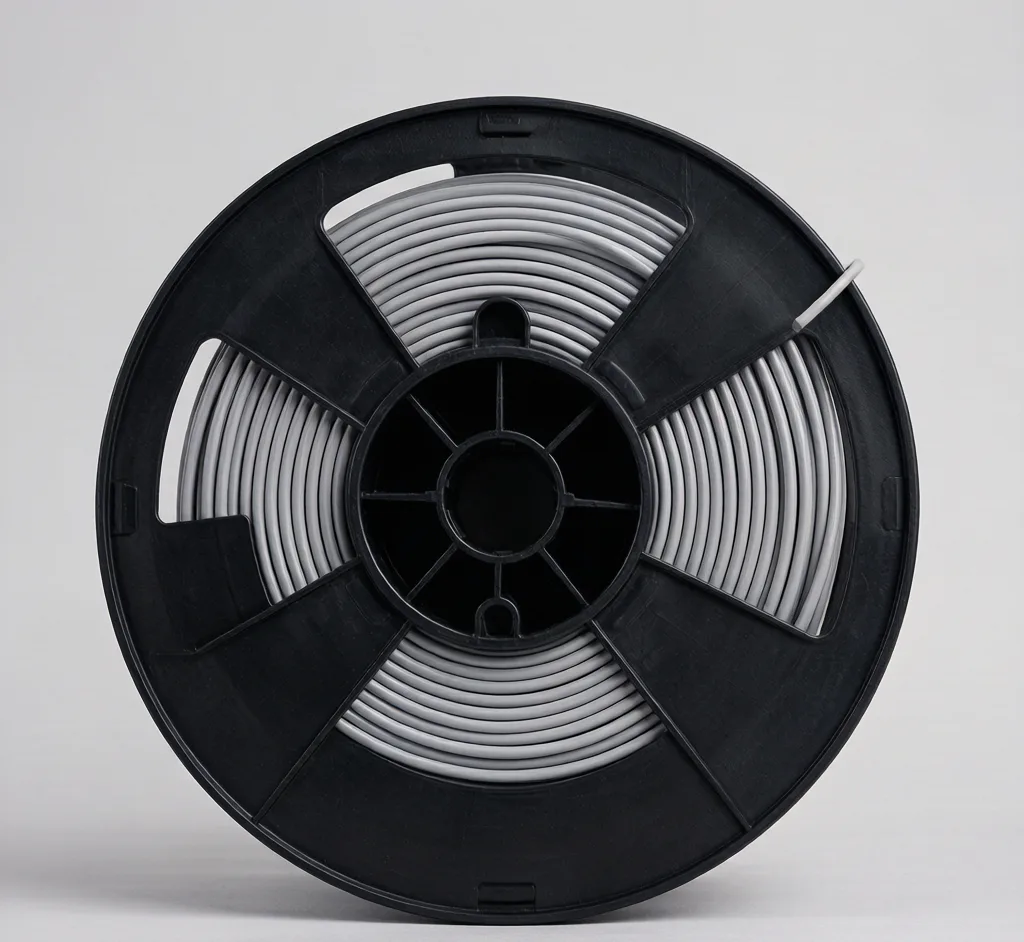
Cat6 Cable 305m (Box)
Model: SF-CABLE-CAT6
305m box of Cat6 UTP for IP camera and PoE network backbone.
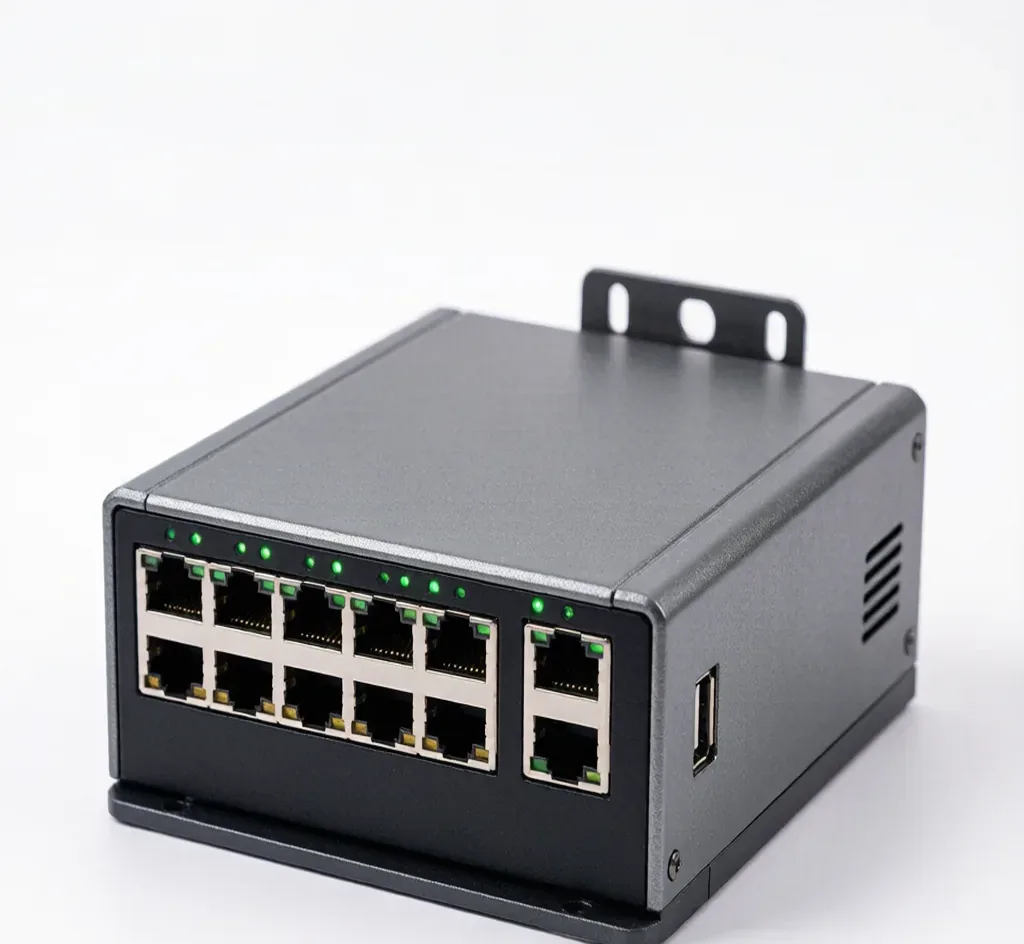
Industrial Managed PoE Switch (8-Port, 802.3at)
Model: SF-POE-8P-IND
Rugged 8-port managed PoE switch, -40~75°C, DIN-rail, for outdoor and factory camera networks.