
Tutorials
How to Crimp an RJ45 Connector for IP Camera Cable
Crimp an RJ45 for IP camera cable in 6 steps: strip, arrange T568B, seat, crimp, and test before you mount. Tool list included.
Published 2026-08-02
A clean RJ45 termination is the difference between a camera that works on day one and one that drops frames. Here is the field-tested method.
What you need
A crimper kit (crimp + stripper), RJ45 plugs, and a cable tester. Use solid-core cable such as Cat6.
6 steps
1. Strip ~25mm of jacket without nicking pairs. 2. Untwist and order wires T568B: orange-white, orange, green-white, blue, blue-white, green, brown-white, brown. 3. Trim flat, even across the top. 4. Push fully into the plug (copper tabs visible at the tip). 5. Crimp firmly. 6. Test both ends with the tester — all 8 lights in order.
Before you mount
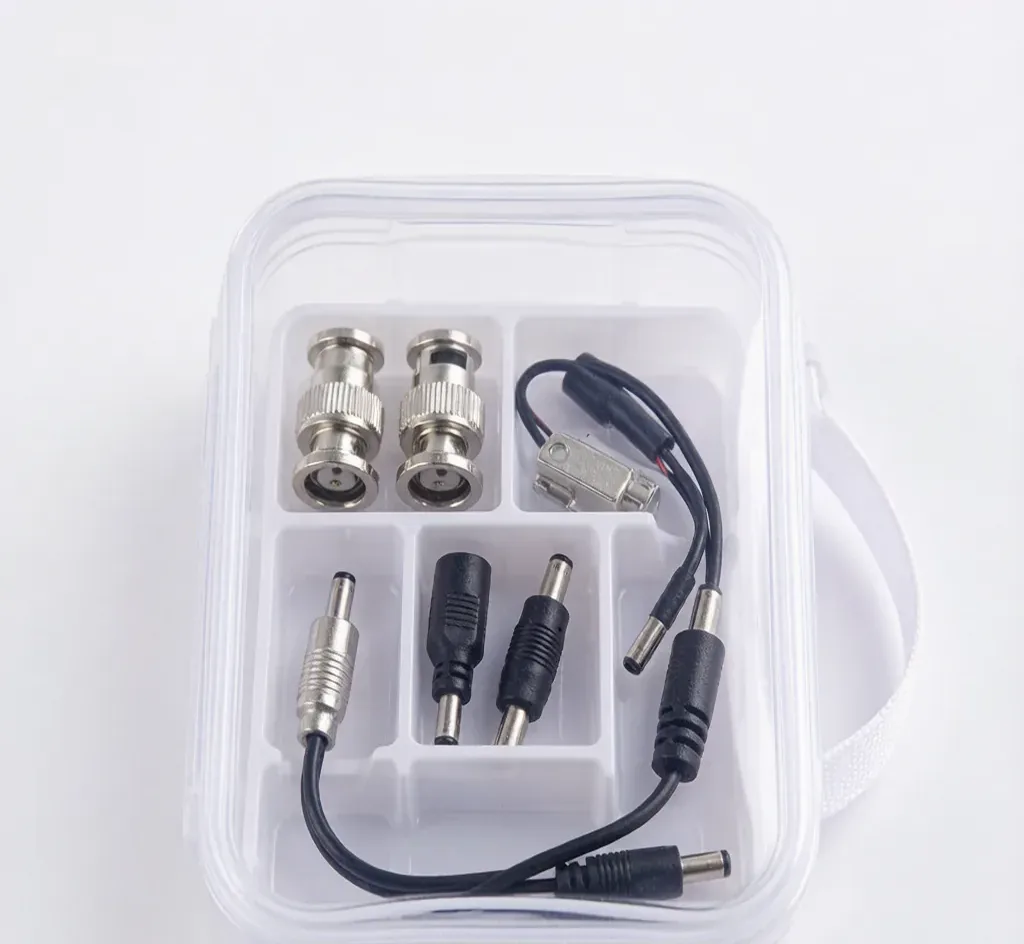
Test the run in-hand first. A miswired pair shows as a missing light and would otherwise mean a ladder trip later. Add DC plugs if the camera also needs 12V at the same end.
Frequently asked
T568A or T568B for CCTV?
Either works as long as both ends match. T568B is the default for most CCTV and network installs — just be consistent end to end.
Do I need a special crimper for Cat6?
A standard RJ45 crimp tool works for Cat5e and Cat6. For Cat6A you may need a plug designed for the thicker conductor; for normal Cat6 a good crimp tool is fine.
Are SurveilForge accessories compatible with Hikvision, Dahua and Axis cameras?
Yes — they follow open surveillance standards (IEEE 802.3af/at PoE, RJ45, BNC, DC 12V/24V) and work with any brand using those standards, including Hikvision, Dahua and Axis. SurveilForge is an independent brand, not affiliated with any camera OEM.
Can I buy a single unit, or only wholesale?
Standard products are sold as single units in our shop. Custom or OEM branding and volume pricing start at a minimum order of 300 pieces.
How long does shipping take?
We ship worldwide; lead time varies by destination and order size. Contact us for a quote on your region.
Products mentioned in this guide
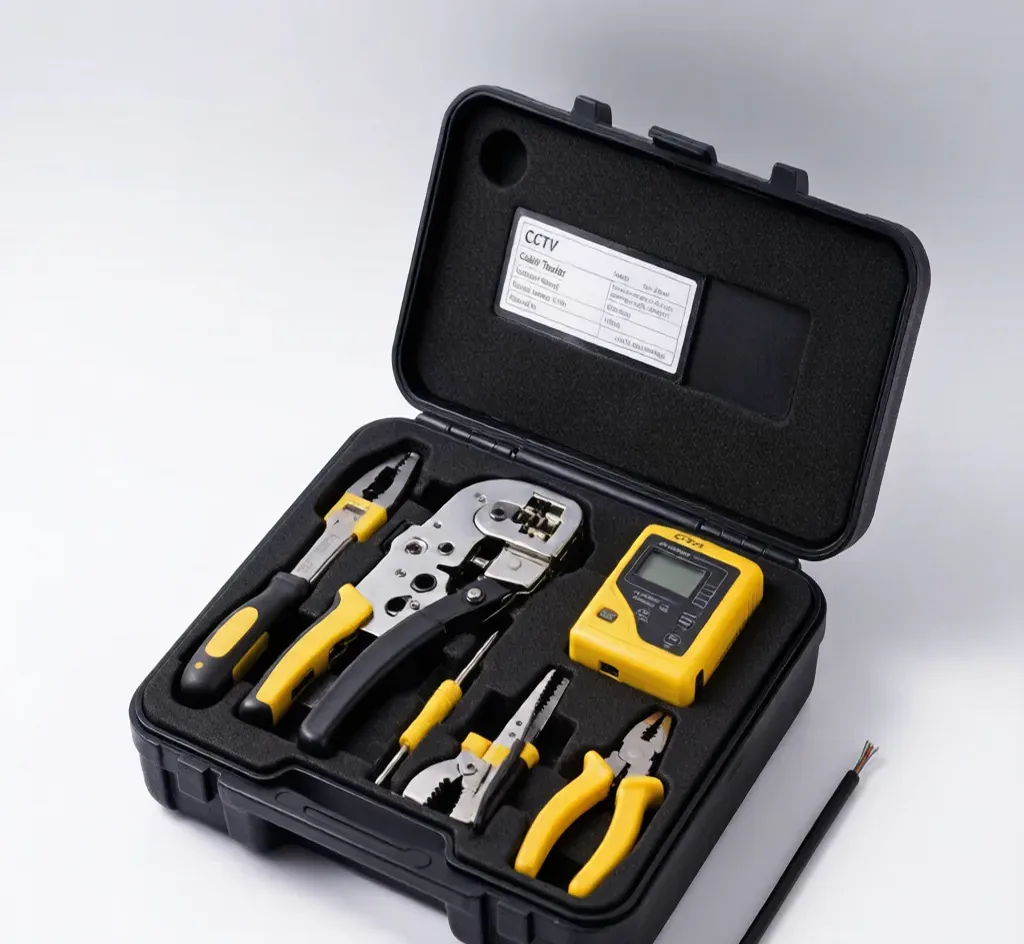
Crimper & Installer Kit
Model: SF-KIT-CRIMPER
Ratcheting crimper + stripper + punch-down for field work.
Cable & Network Tester
Model: SF-TESTER-CABLE
Pocket tester for RJ45, BNC and telephone lines.
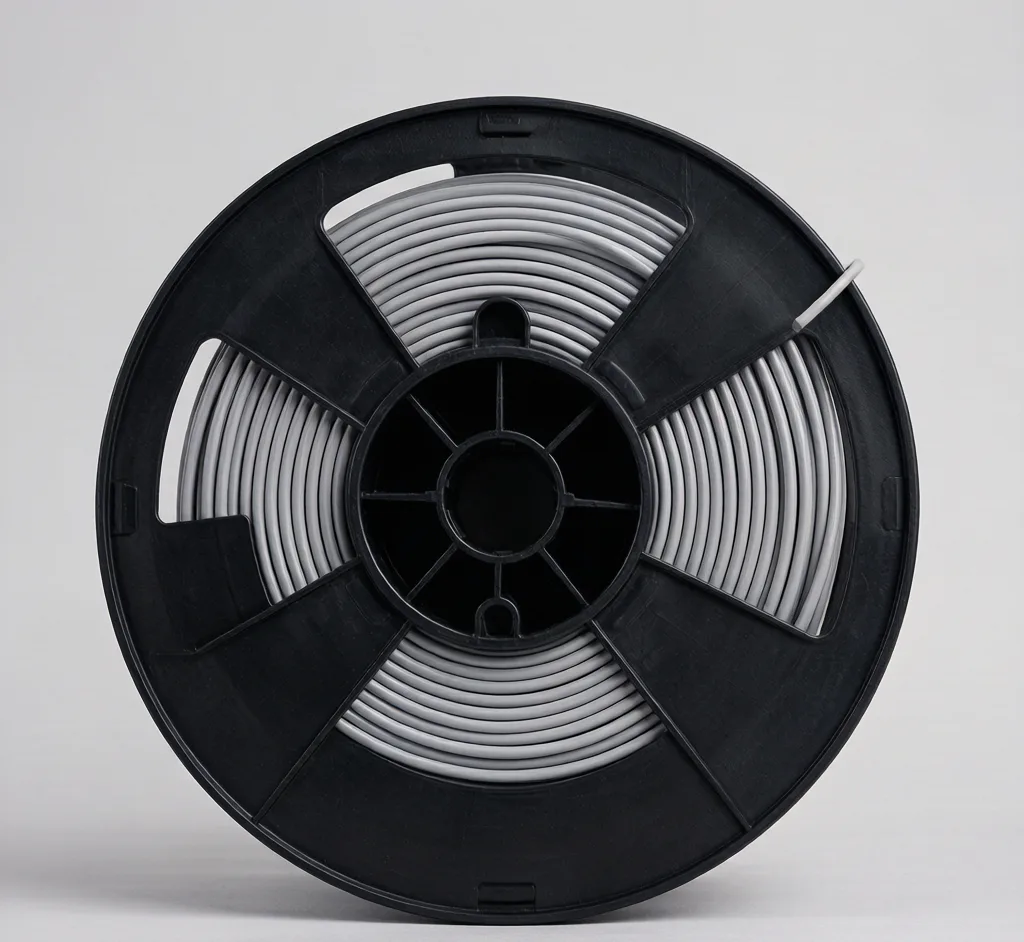
Cat6 Cable 305m (Box)
Model: SF-CABLE-CAT6
305m box of Cat6 UTP for IP camera and PoE network backbone.
DC Power Plugs 10-pack (M/F)
Model: SF-DC-10
10 pairs of 5.5×2.1mm DC power plugs (male + female) for 12V cameras.